Setting Up Your Decot Account
Decot onboarding now uses our custom ZK login flow. It is simple, fast, and built for non-crypto users. Most teams are fully onboarded in under a minute.
Custom ZK Login in 3 Steps
New Account Flow
Follow this exact onboarding sequence:
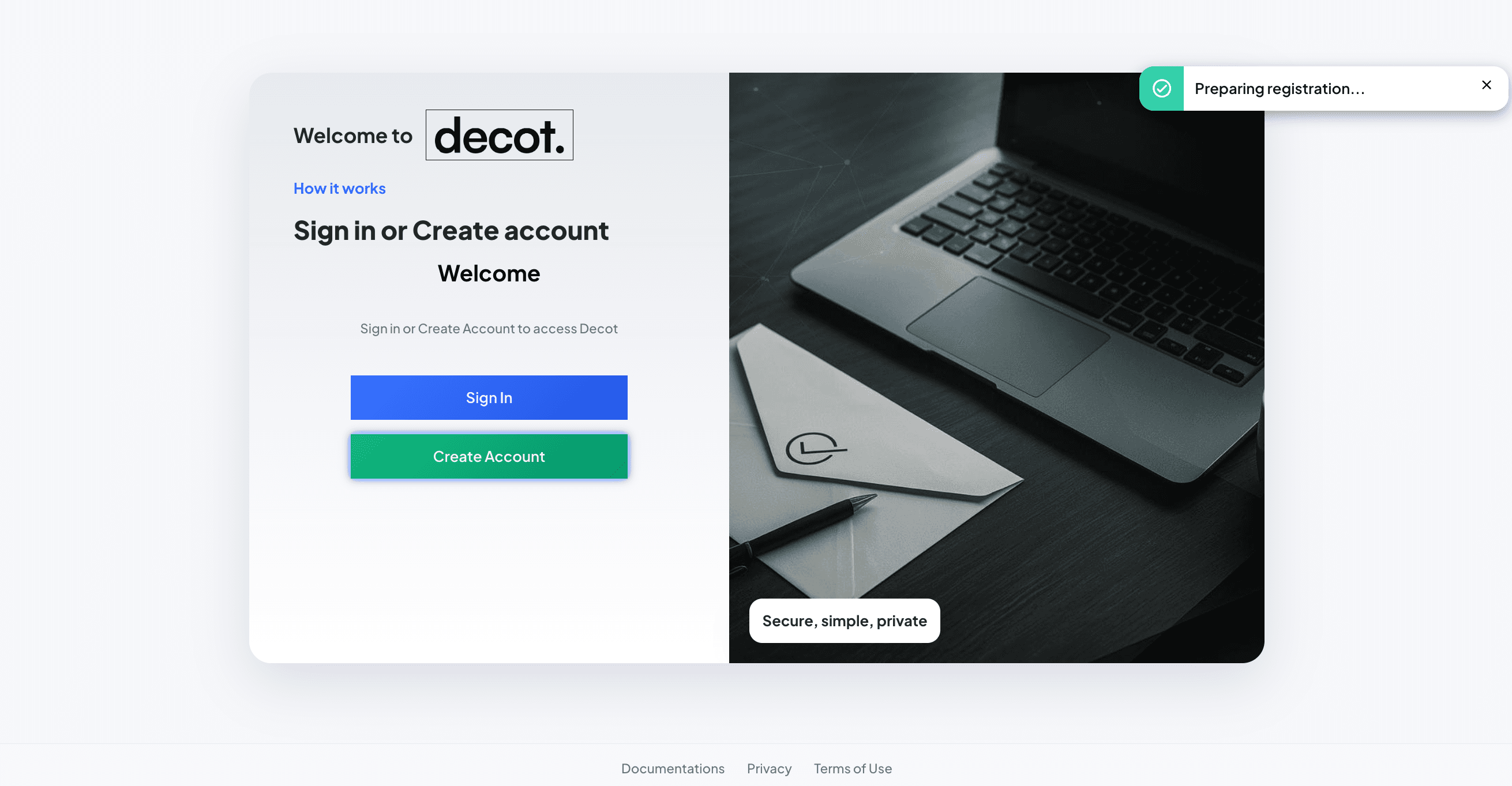
Step 1: Choose Sign-In Method
- Open the Decot sign-up page.
- Choose your preferred login method (email or social provider).
- Confirm your email if prompted.
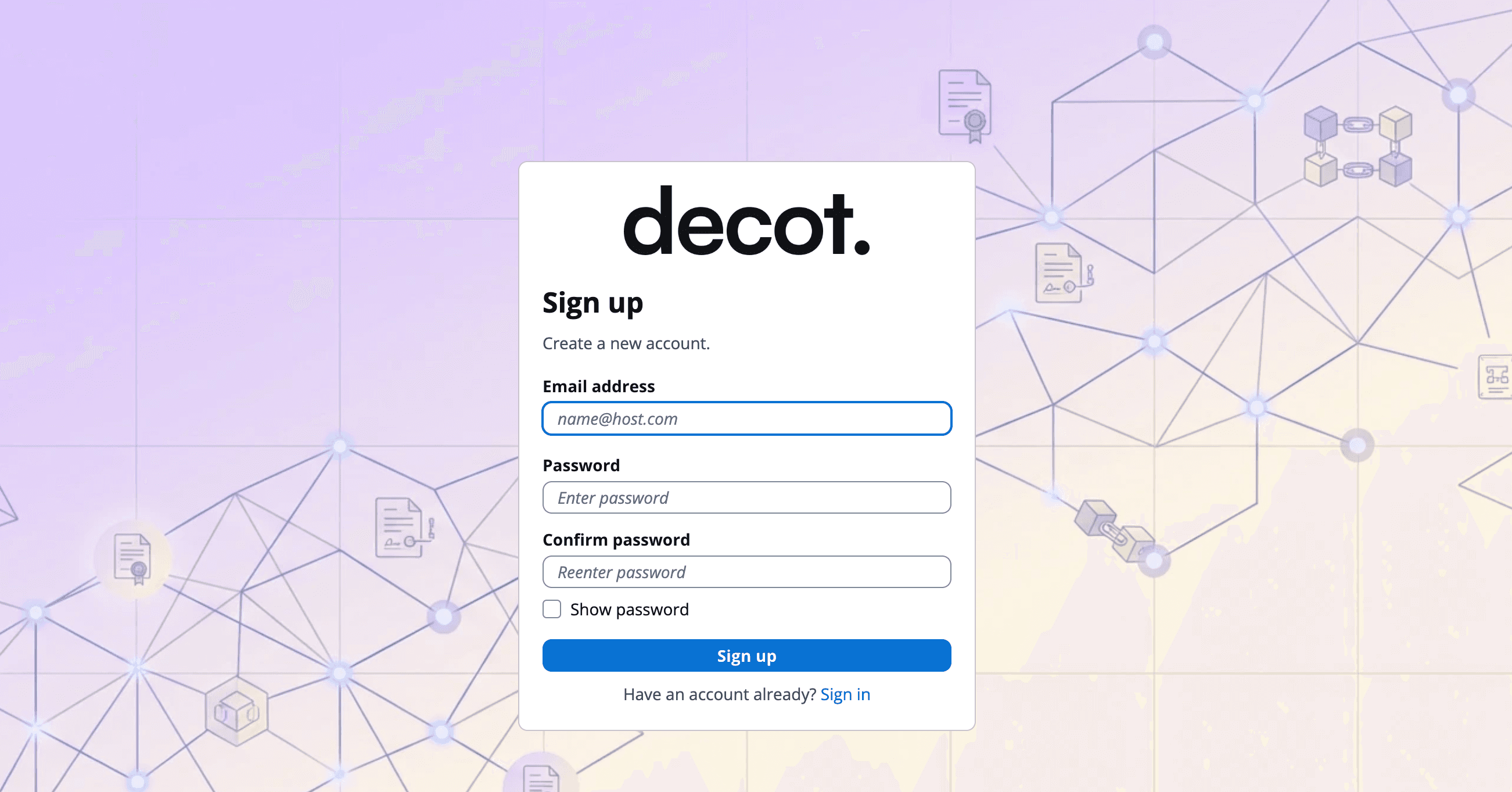
Step 2: Complete Secure ZK Verification
- Approve the one-time authentication challenge.
- Decot generates a zero-knowledge proof for your session.
- Your secure on-chain identity is prepared automatically.
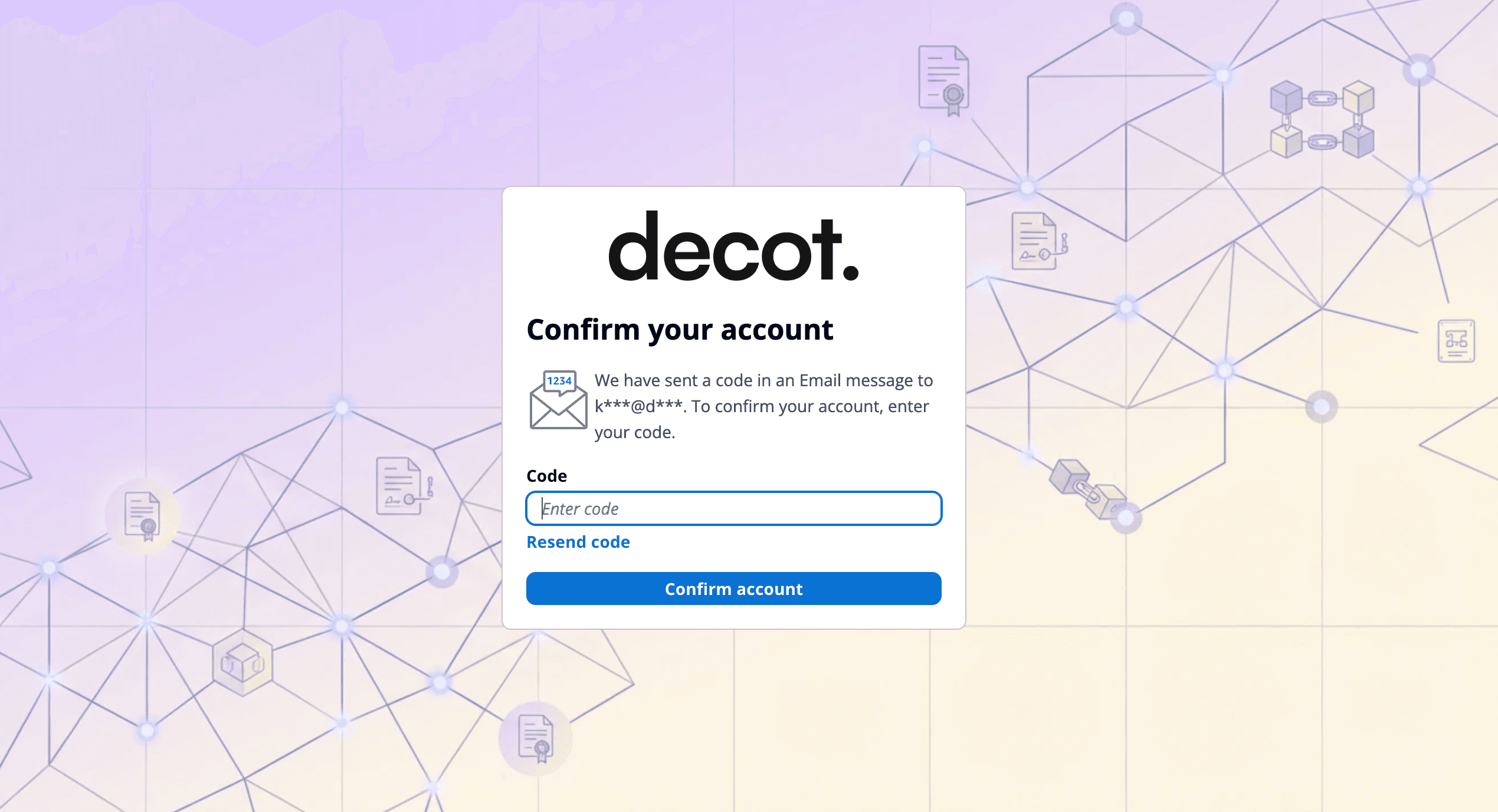
Step 3: Enter Workspace and Start Contracting
- Complete your profile details.
- Create or join a workspace.
- Start drafting, sharing, and signing contracts immediately.
You are now ready to use the full Decot workflow.
Signing In to Your Existing Account
Returning users can sign in with the same method used during onboarding. Decot will re-validate session security automatically.
- Email Login: Enter your email and complete the login verification step.
- Social Login: Continue with your selected provider and proceed directly to your workspace.
Frequently Asked Questions (Account Setup)
1. What is Decot custom ZK login?
It is our authentication system that proves account ownership with zero-knowledge cryptography while keeping the login process simple for users.
2. Do I need to install a wallet extension?
No. Decot onboarding does not require browser wallet extensions.
3. How long does onboarding take?
Most users complete setup in under 60 seconds.
4. What if I lose access to my login method?
Use Decot account recovery with your verified email and configured recovery method. If needed, contact support for assisted verification.
5. Do I need SUI tokens to create an account?
No. Decot covers required blockchain network fees for standard in-app actions.
6. Is this login flow available for enterprise teams?
Yes. The same 3-step flow works for individual and enterprise users, with additional admin controls on higher plans.
Next Steps
Now that your account is active, continue with the full product walkthrough in our User Guide.
Happy contracting!